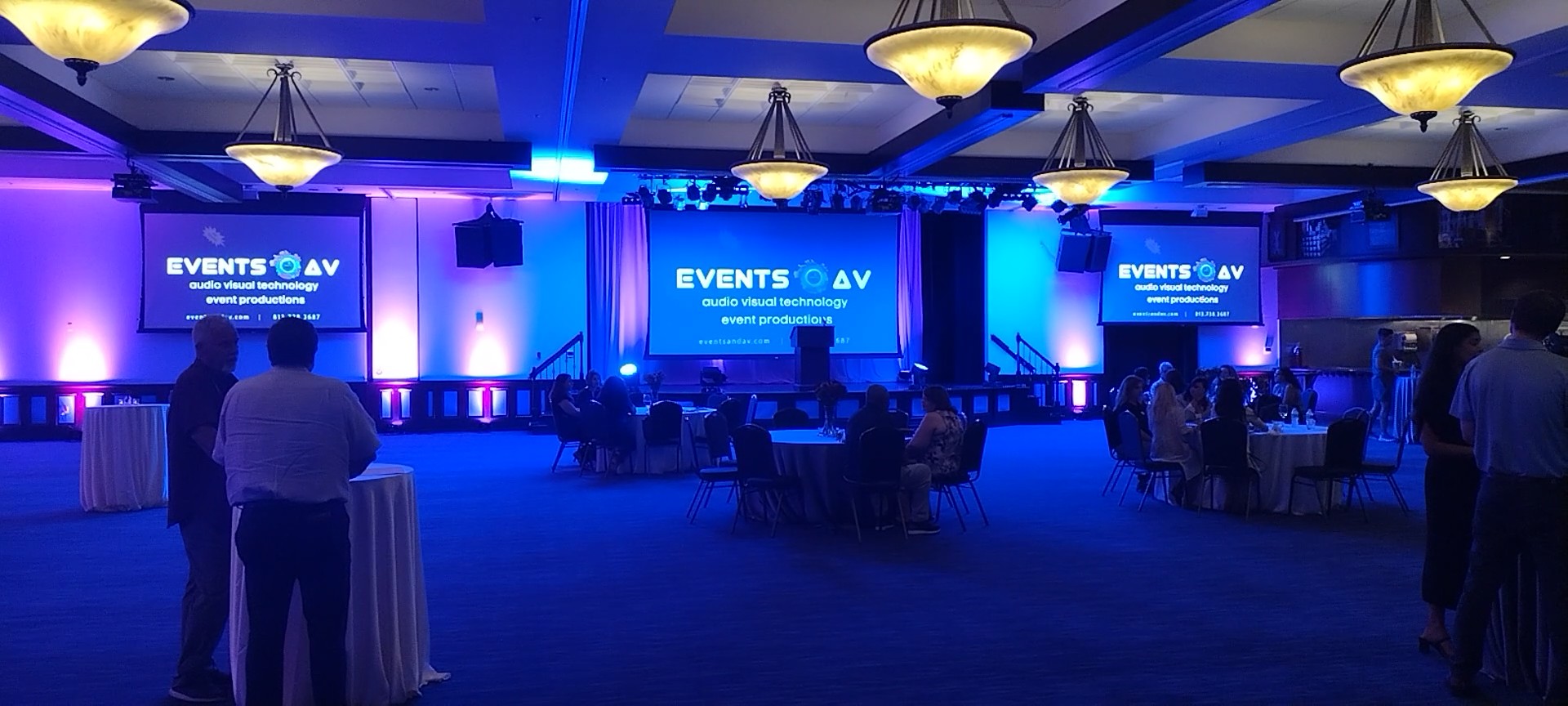
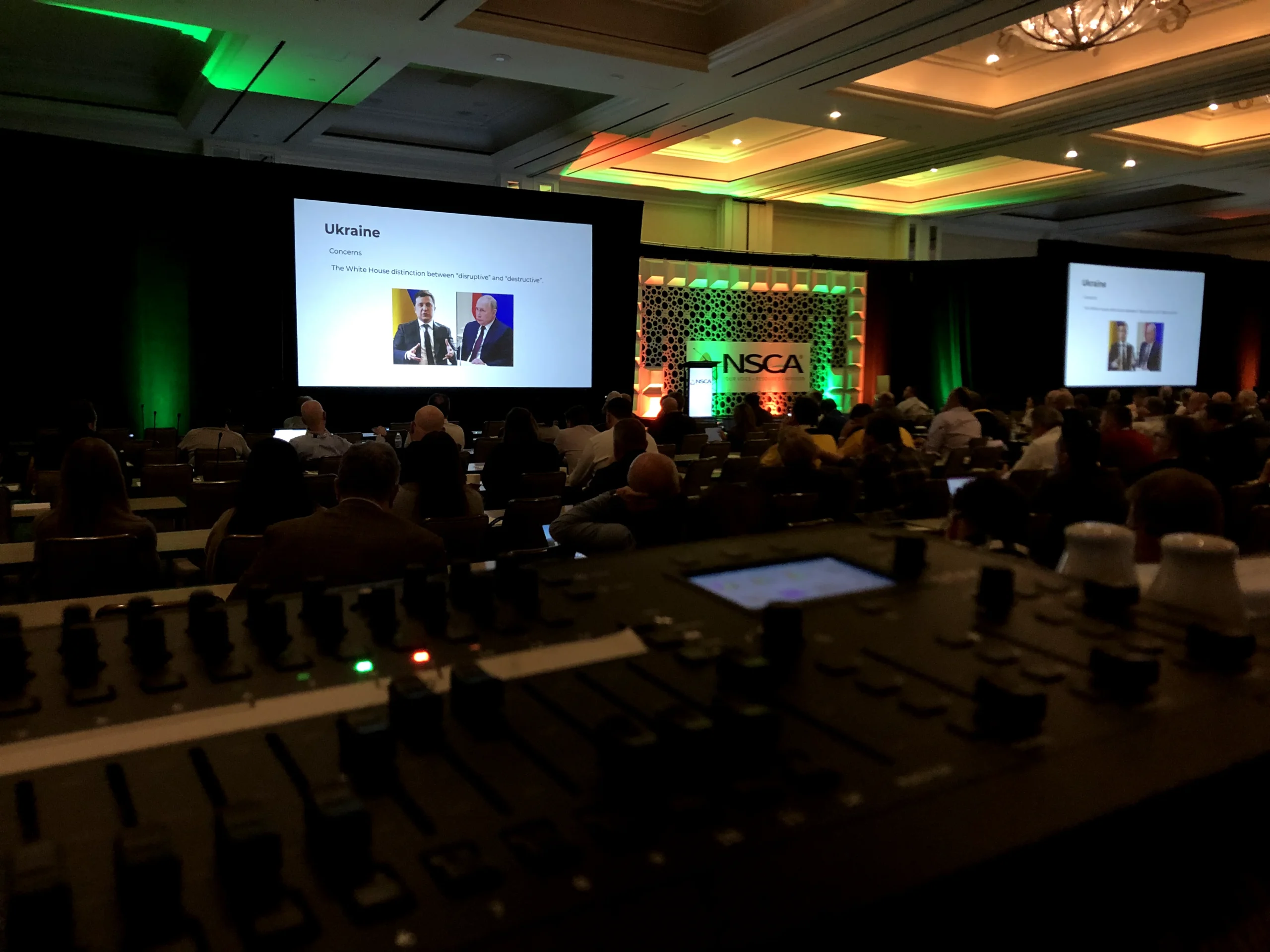
Planning a corporate conference, annual meeting, awards program, or company gathering in 2027? The most effective audio visual planning starts long before the first attendee arrives. Early decisions about the venue, agenda, stage, presenters, and production team influence both the event experience and the final budget.
Use this corporate event AV checklist to identify what to confirm before the new year, what can wait until later, and which questions to bring to your production partner.
1. Define the experience before selecting equipment
Start with the event’s purpose. Are you delivering a leadership message, training employees, recognizing achievements, launching a product, or connecting a hybrid audience? Define the audience size, desired atmosphere, must-have moments, accessibility requirements, and what success looks like. Equipment should support the experience, not dictate it.
2. Confirm your venue’s technical capabilities
Before signing or finalizing venue plans, request a technical walkthrough. Review:
- Room dimensions, ceiling height, and audience sightlines
- Available power, internet connectivity, and backup options
- Rigging rules, weight restrictions, and approved labor requirements
- Loading dock access, freight elevators, storage, and setup windows
- House audio systems, projection surfaces, lighting controls, and acoustics
- Any exclusive-provider policies or additional venue fees
Venue limitations can materially change a production design. If you are evaluating venue AV options, read our guide to in-house versus independent AV companies.
3. Build a room-by-room AV scope
Don’t plan only for the main stage. Map every space that needs technical support: general sessions, breakout rooms, registration, sponsor activations, networking areas, and off-site experiences. For each space, note the audience capacity, presentation format, microphones, displays, lighting, recording, and technician coverage.
4. Decide on screens, staging, and lighting
Will speakers need confidence monitors? Are attendees seated far from the stage? Will you show detailed charts, video, or live camera feeds? Your content, room dimensions, and lighting conditions should guide the choice between projection and LED walls. Compare the options in our LED wall versus projector guide.
5. Create a realistic AV budget
Include more than rental equipment. Plan for technical design, labor, freight, load-in, rehearsal time, show operation, strike, internet, rigging, power, travel, and potential change orders. Ask for an itemized proposal with clear inclusions and exclusions. Our corporate event AV cost guide explains the major budget drivers.
6. Lock in the program and speaker requirements
A draft agenda is enough to begin, but capture the details that affect production: number of speakers, panel discussions, videos, remote guests, live demonstrations, awards cues, audience Q&A, and presentation transitions. Establish who will collect slides, test media, and coordinate presenter rehearsals.
7. Plan for hybrid attendance, recording, and accessibility
If anyone will participate remotely, define the streaming platform, recording deliverables, remote-speaker workflow, internet requirements, and contingency plan. Also discuss captioning, assistive listening, readable screen content, and accessible stage access where appropriate. These decisions should be built into the production scope early.
8. Assign production responsibilities
Clarify who owns show calling, speaker management, presentation playback, audio mixing, camera direction, venue coordination, and last-minute changes. A clear responsibility matrix prevents confusion during rehearsals and on show day. Learn more about what a great AV production partner actually does.
9. Set the production timeline
Work backward from the event date. Reserve time for technical discovery, design approvals, equipment and labor booking, content deadlines, run-of-show reviews, load-in, testing, rehearsals, and strike. Confirm which milestones require client sign-off and who can authorize changes.
10. Review risk and backup plans
Ask how the team will handle a failed microphone, presentation issue, internet outage, or delayed speaker. The appropriate backup strategy depends on the event’s complexity and the consequences of an interruption. Document escalation contacts and decision-making authority.
Your pre-2027 AV planning checklist
- ☐ Event objectives and audience experience defined
- ☐ Venue technical specifications collected
- ☐ Room-by-room production needs outlined
- ☐ Screens, stage, audio, and lighting priorities identified
- ☐ Preliminary AV budget established
- ☐ Speaker and presentation requirements documented
- ☐ Streaming, recording, and accessibility needs confirmed
- ☐ Production roles and approvals assigned
- ☐ Rehearsal and load-in windows reserved
- ☐ Contingencies and backup expectations discussed
Start your 2027 event planning with EventsAV
Whether you’re planning a single-day leadership meeting or a multiday conference, early AV coordination helps your team make better decisions and avoid surprises. EventsAV can help translate your event goals into a practical production scope.
Schedule an EventsAV consultation to discuss your 2027 event.