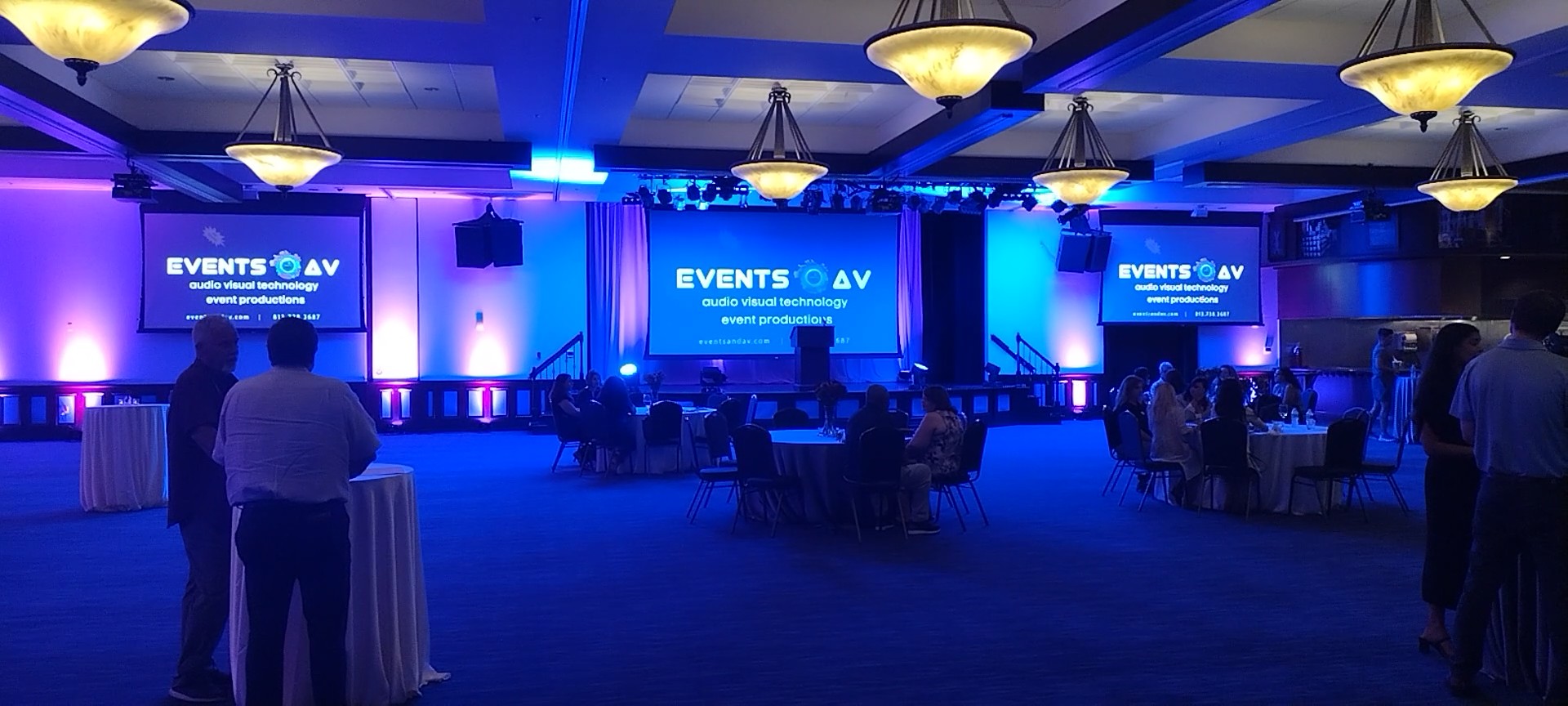
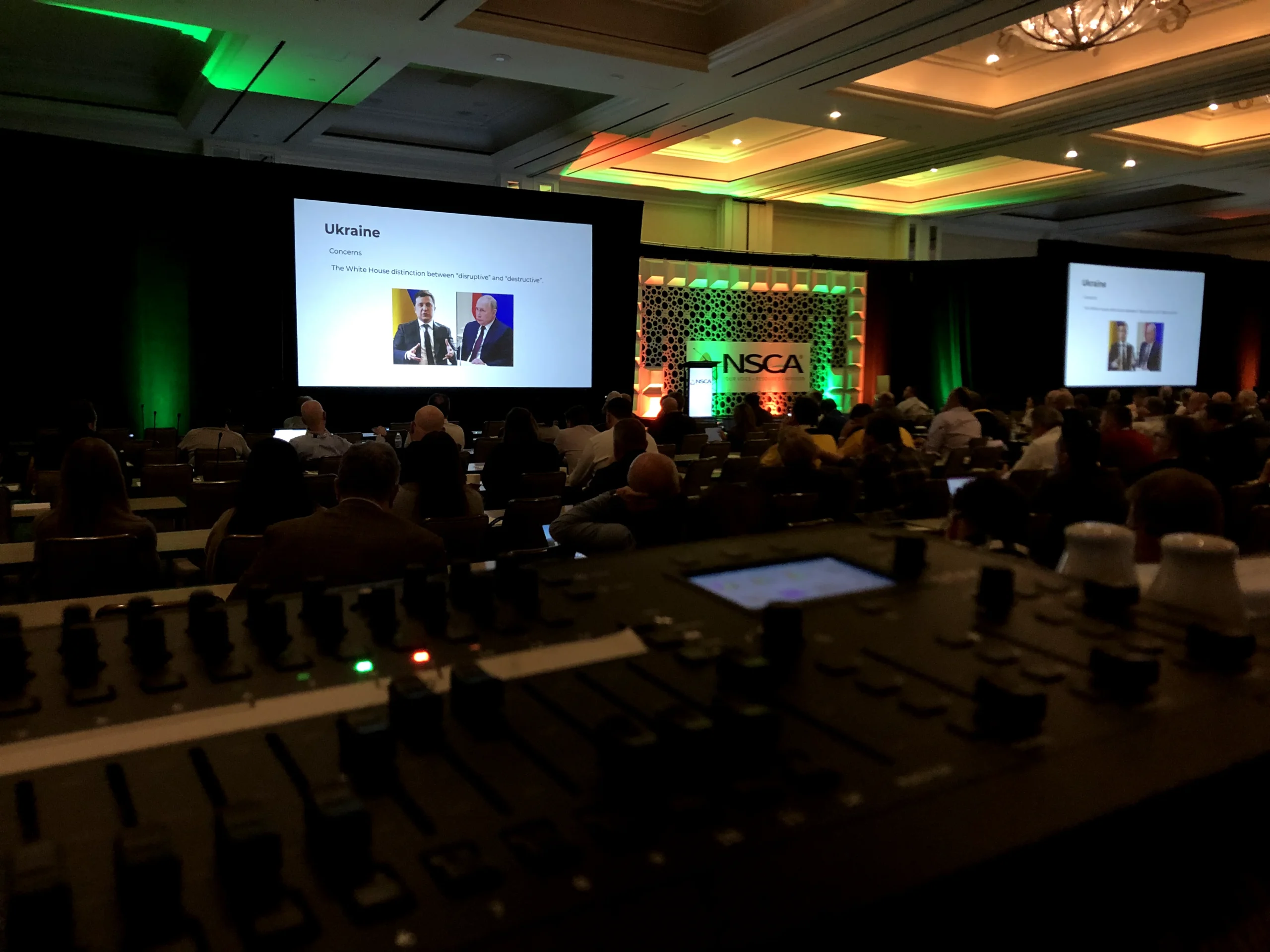
Even a carefully planned corporate event can run into audio visual problems. A microphone drops out, a presentation doesn’t display correctly, a video plays without sound, or a livestream freezes just as the keynote begins. While no production can eliminate every risk, thoughtful planning and clear technical responsibilities can reduce preventable disruptions.
Here are seven common AV mistakes event planners can avoid, along with practical ways to protect the attendee and presenter experience.
1. Bringing in the AV team too late
When production planning starts after the venue, agenda, and room layouts are finalized, teams may discover that the space has limited power, difficult sightlines, insufficient setup time, or restrictive rigging rules. Include your AV partner in early venue and program conversations so technical needs inform decisions rather than become last-minute fixes.
2. Underestimating the importance of clear audio
Attendees can forgive a simple stage design more easily than a presentation they cannot hear. A room’s acoustics, seating layout, microphone types, speaker positions, and number of presenters all influence the sound plan. Ask for an audio approach tailored to the space, with testing and appropriate backup equipment.
3. Choosing screens without considering sightlines
A display that looks impressive on a floor plan may be hard to read from the back of the room. Screen size, mounting height, ambient light, content detail, and audience distance matter. If you’re deciding between projection and LED, read our LED wall versus projector guide.
4. Skipping a presentation and media check
Slide decks may contain unusual fonts, embedded video, unexpected aspect ratios, or audio that hasn’t been tested. Collect presentations in advance, confirm playback formats, and establish a clear process for last-minute changes. Test videos with sound through the actual show system, not just on a laptop.
5. Leaving too little time for setup and rehearsal
A 60-minute presentation may require hours of installation, configuration, cue testing, and speaker preparation. Protect the production schedule by confirming load-in access, technical rehearsals, presenter run-throughs, and strike times with both the venue and the AV team. Rushed setup creates avoidable risk.
6. Assuming the venue’s internet will handle streaming
Guest Wi-Fi is not a production connectivity plan. If your event includes livestreaming, remote speakers, or cloud-based presentation tools, discuss bandwidth, dedicated connections, network access, and fallback options before show day. Test the actual configuration in the venue.
7. Comparing AV proposals on price alone
A lower quote may exclude rehearsal coverage, show calling, sufficient technical staff, or essential contingency planning. Review equipment, labor hours, setup and strike, venue charges, and exclusions line by line. Our corporate event AV cost guide explains the factors that shape production budgets.
A simple AV risk-prevention checklist
- Confirm the venue’s technical specifications and restrictions
- Review room layouts and sightlines
- Document every microphone, screen, playback, and streaming need
- Assign responsibility for presentations and show cues
- Allow time for setup, testing, and speaker rehearsals
- Agree on backup plans and escalation contacts
- Review proposal inclusions and exclusions before approval
What should you expect from a production partner?
A strong AV partner does more than deliver equipment. They ask the right questions, coordinate with the venue, plan the technical workflow, communicate with presenters and planners, and prepare for the unexpected. Learn more in Beyond the Equipment: What a Great AV Production Partner Actually Does and our 10 AV planning tips.
Plan your next corporate event with confidence
Whether you’re preparing a conference, executive meeting, awards program, or company event, early technical planning helps protect your message and your audience’s experience. EventsAV can help you review your production requirements and build an AV approach around your goals.
Schedule an EventsAV consultation to discuss your upcoming event.